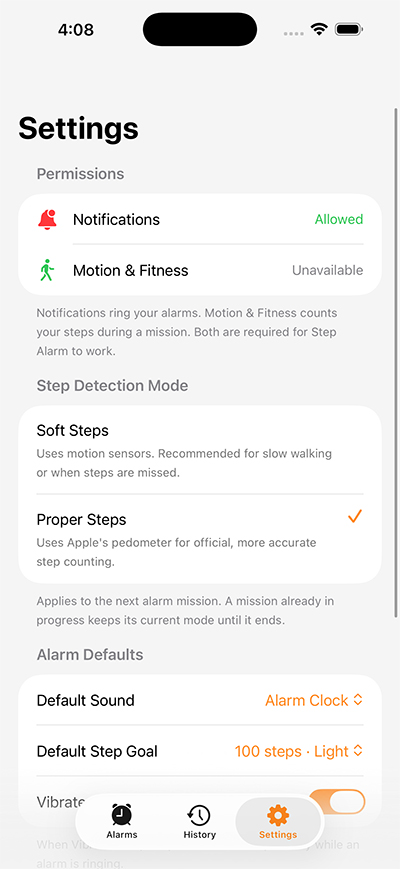

Walk to Stop Your Alarm
Stop Snoozing. Start Walking.
Walk to stop your alarm. Get up, move, and wake up for real.
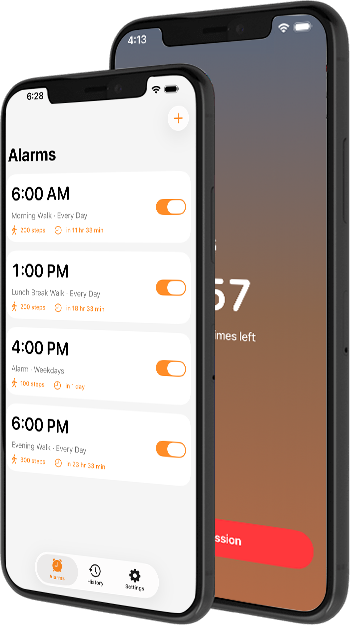

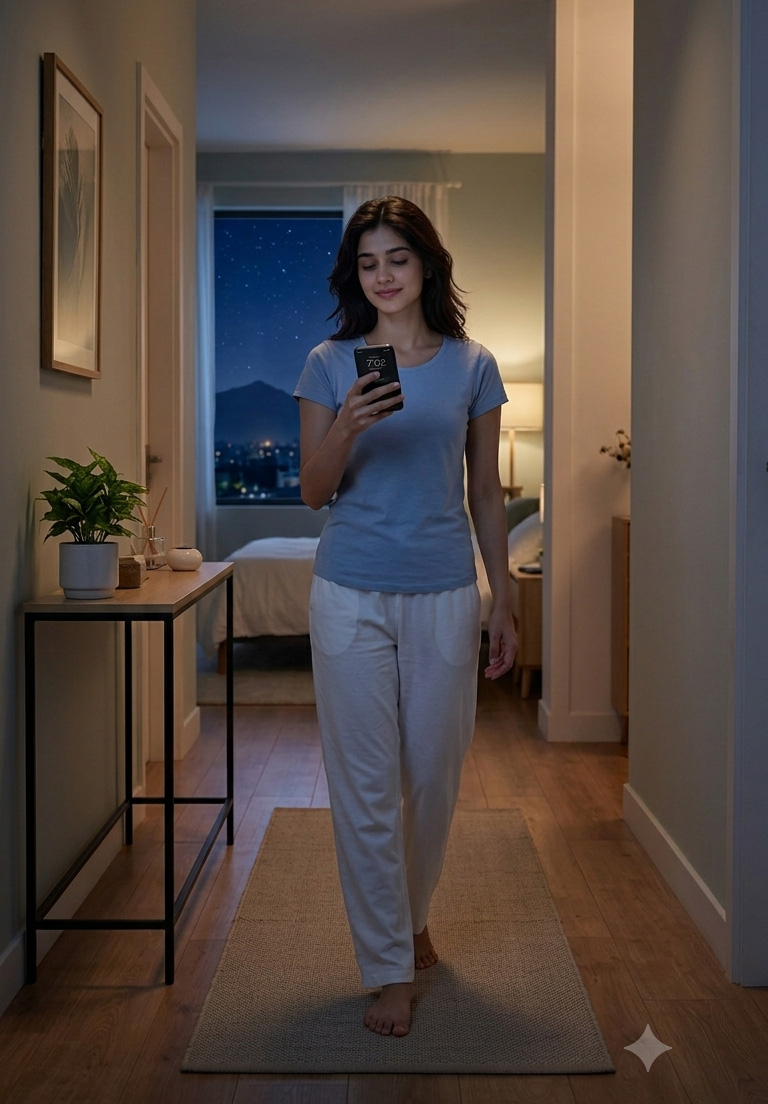
Get up. Walk. Wake up.
Stop relying on the snooze button to start your day.
Set your mission. Get out of bed. Walk your steps. Complete the alarm.
Walk to Wake makes waking up an action—not just a tap.
How it works
- Set your alarm time.
- Choose when the alarm repeats.
- Select an alarm sound.
- Choose your snooze duration.
- Set your maximum number of snoozes.
- Choose your walking mission.
- When the alarm rings, start your walking mission.
- Complete the required steps to finish the alarm.

Alarm & Mission Flow
- Alarm rings at the scheduled time.
- User can use an allowed snooze; snooze temporarily stops the alarm.
- To begin the walking challenge, the user taps the start button.
- The app counts steps using the phone's built-in motion/step sensor.
- Live step progress is displayed while the user walks.
- The alarm continues until the required walking mission is completed (subject to configured snooze behavior).
- After completing the required steps, the app shows a Mission Completed success screen.
Your alarm, your settings
Walk to Wake lets you customize your alarms with:
- Flexible alarm times
- Once, Daily, Weekdays, or Weekends
- Multiple built-in alarm sounds
- Snooze duration from 1 to 15 minutes
- Up to 3 allowed snoozes
- Unlimited alarms